
Create User Guides Online
Avoid breaking QR codes and links by making interactive, evolving user manuals.
Transform static PDFs into searchable, interactive user guides that update without changing URLs. Your packaging QR codes stay valid forever. Support teams link directly to exact steps. Field techs access manuals on any device. Every customer interaction starts with finding the right answer. Make it instant, make it clear, make it count.



Create Your User Guide
Dedicated In-Trial Support • No Credit Card Required • 14-Day Free Trial


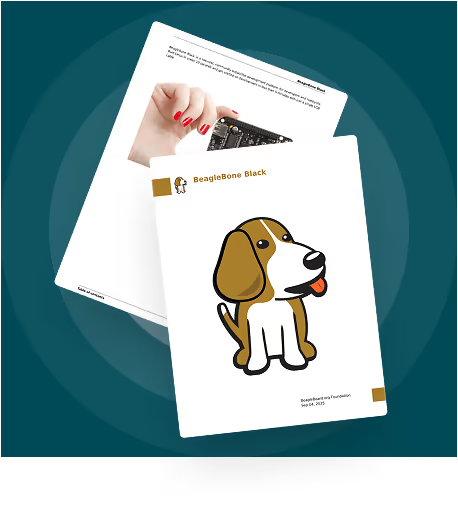

Your Online User Guide Links Break Every Update. Here’s the Fix.
Watch how leading brands update instruction manuals online without changing a single URL, QR code, or support macro. Simple updates, zero chaos.
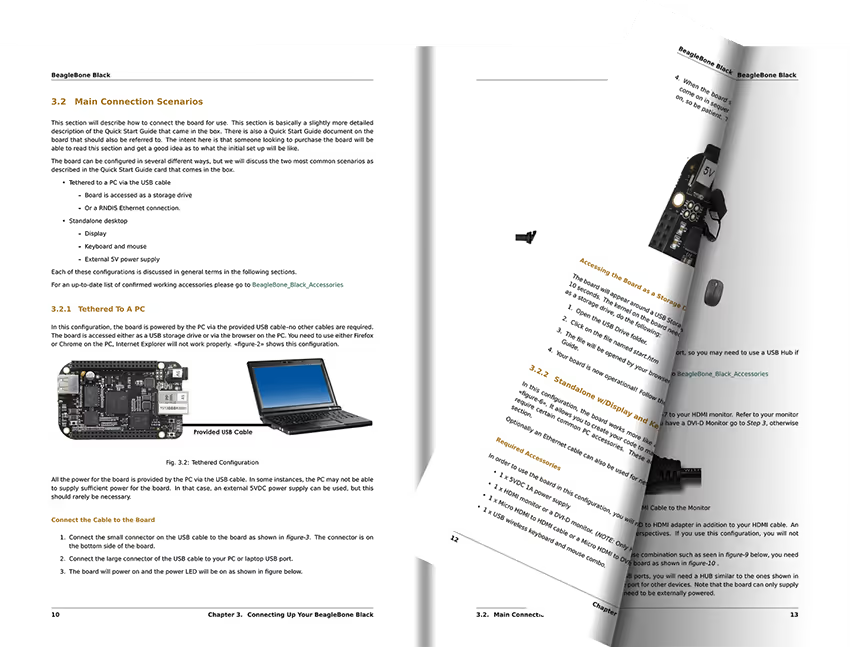

Update in Under 1 Minute
Upload once. Update anywhere. Your packaging QR codes stay valid. Website embeds remain live. Support macros keep working. No more broken links.

Works on Every Device
Field techs zoom diagrams on phones. Customers browse on tablets. Support links from desktops. One manual adapts to every screen perfectly.
Cut Support Load
Watch tickets drop when users find answers instantly. Search highlights exact steps. Direct page links eliminate confusion.
"Since using Paperturn, we’ve been able to update our catalogs instantly. When we launched 250 new product lines, our customers had access to everything right away, without a single reprint. It’s completely changed how fast we can move."
Angie Moors-Menkins
Marketing Communications Manager

Praised by Top Companies


Rated highly by our customers
Deliver Electronic User Guides That Work Everywhere, Update Anywhere
Because customers deserve instant answers, support teams need precise linking, and your products need user guides online that stay current through every revision.
Update Once: Every User Manual Link Stays Valid Forever
Change instructions without changing URLs. Your packaging QR codes remain valid through product lifecycles. Website embeds stay live. Support macros keep working. Email links never break. One update propagates everywhere instantly with no coordination meetings, no reprint costs, and no customer confusion.
 Shawna Marie Thomas
Virtual Channel Manager, Radley
“Paperturn is business-critical. Having a digital catalog is key to running our virtual store.”

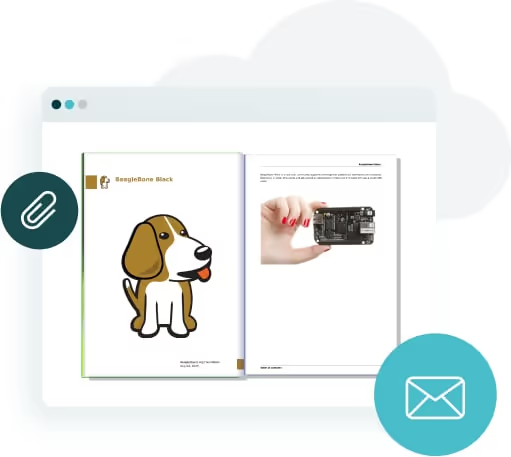
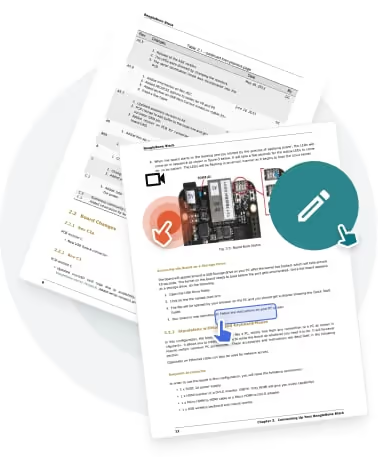
Help Users Find Answers in Interactive User Guides Fast
Built-in search surfaces exact steps instantly. Table of contents provides visual navigation. Link directly to specific pages from support tickets. Every interaction becomes more efficient when customers self-serve successfully. Watch ticket volume drop as findability improves.
 Juliana Bokisch
Marketing and Communications Manager, CPhA
“Paperturn allows us to go fully digital without losing the immersive experience of flipping through a real magazine.”

Ready to Create User Guides and Manuals Online That Reduce Support Load?
Build your first interactive user guide in minutes. Free trial. No migration hassles. Real humans ready to help.
Start Free Trial

Maintain Brand Trust with Your Online User Manual Hosting
Embed manuals on your website with full brand control. Custom domains keep URLs trusted. Remove all third-party branding. Create an on-brand experience from unboxing to troubleshooting. When documentation looks professional, customers trust the guidance. Control every detail of how your expertise appears.
 Katie Thomas
Senior Marketing Communications Manager, Iceland Foods
“If you're looking for an easy way to digitize your retail magazine or catalog, I'd highly recommend Paperturn.”

Give Every User Guide an Accessible Experience
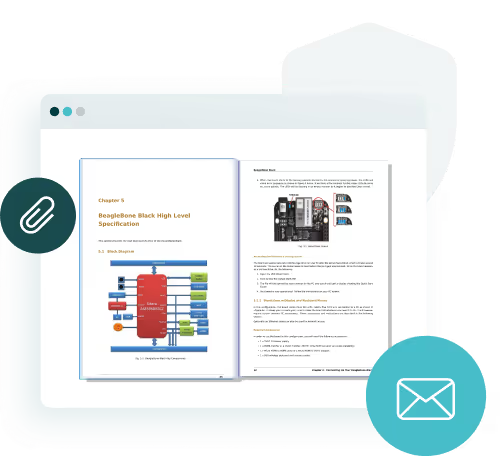
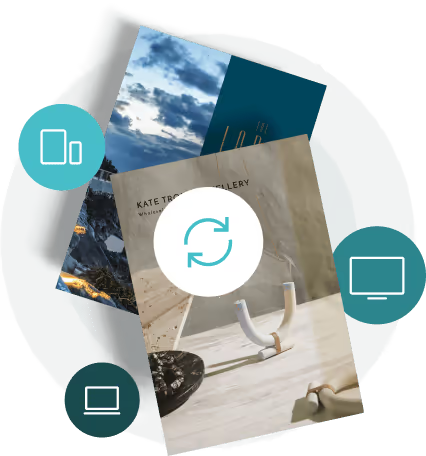
Every touchpoint matters, especially your manuals and guides. Paperturn lets you customize any digital instruction manual or user guide. Embed it on your website, apply your domain and branding, and ensure accessibility compliance. Responsive design keeps manuals sharp on any device.
 Dan Cuomo
VP of Marketing, Air Partner
“Paperturn’s platform is incredibly intuitive and easy to use, making the publishing process seamless from start to finish.”

The User Guide Publishing Toolkit That Solves Issues Before They Become Support Tickets
Every capability built to reduce friction. From instant updates to interactive user guide deep-linking to global accessibility

Publication Overwrite for User Guides
Replace digital instruction manual content while preserving the exact same URL. No broken links, no QR code reprints. Your entire distribution network stays synchronized automatically. Update confidently knowing every touchpoint remains connected.
Powerful Text Search in User Guides
Users find specific instructions instantly. Search highlights appear across pages. Support agents locate solutions faster. Reduce average handle time by making every answer discoverable. When finding information takes seconds, satisfaction scores climb.
Dynamic Table of Contents for Manuals
Auto-generated navigation that adapts to your manual structure. Users jump to relevant sections immediately. Visual hierarchy guides exploration. Complex manuals become scannable. Navigate 200-page technical guides as easily as quick-start cards.
Mobile-Responsive User Guide
Perfect readability on phones, tablets, and desktops. Pinch-to-zoom diagrams. Smooth scrolling. Fast loading even on slow connections. Field technicians and customers get the same flawless experience regardless of device.
Page Linking in User Manuals
Link support tickets to exact troubleshooting steps. Share specific procedures with partners. Create targeted onboarding flows. Every link points precisely where needed, eliminating confusion and accelerating resolution.
QR Generator for User Manuals
Generate QR codes that connect packaging to always-current manuals. One code per product SKU lasts forever. Track scans by region and time. Bridge physical products to digital support seamlessly. No app downloads required.How to Create an Online User Guide
Transform your PDF into an interactive, searchable user guide in less than 1 minute. No design skills needed. Follow these six simple steps to publish manuals that reduce support tickets.
Start Free Trial Book Demo
1. Upload Your PDF User Guide
Start with any PDF manual. Drag and drop into Paperturn for automatic processing. Guides, quick-start cards and instruction sheets convert formatting intact.
2. Add Search and Navigation
Watch Paperturn generate your table of contents automatically. Text becomes searchable, helping users find procedures fast.
3. Enhance with Videos and Links
Add interactive hotspots anywhere. Embed videos, link to warranty registration, or connect to support tickets. Turn static instructions into rich experiences.
4. Apply Your Branding
Choose interface colors to match your brand. Upload your logo, set custom backgrounds, and remove Paperturn branding so your manual looks fully on-brand.
5. Publish and Share Your Guide
Generate a stable URL instantly. Create QR codes, get embed codes, and share direct links in support tickets. Every method leads to the same updated source.
6. Update Without Breaking Links
Replace content using Publication Overwrite. Your URL stays the same, QR codes remain valid, and embeds stay live. Update and see changes instantly.
Common Questions About Creating User Guides Online with Paperturn
Get clear answers about publishing, updating, and managing your interactive user guides. Everything from QR codes to accessibility covered.

Update manuals without breaking links?
Yes. Publication Overwrite replaces your content while preserving the exact URL. Every QR code, embed, and support macro stays connected. Update your user guide as often as needed. Your distribution network remains intact automatically.
Do user guides work on mobile devices?
Perfectly. HTML5 responsive design adapts to phones, tablets, and desktops. Users pinch to zoom diagrams. Text reflows for easy reading. Pages load fast even on slow connections. Field technicians get the same clean experience as office users.
How do users find specific instructions?
Built-in text search highlights answers across your entire manual. Auto-generated table of contents provides visual navigation. Support teams link directly to specific pages. Every search surfaces relevant content instantly, reducing average handle time.
Can I match my brand guidelines?
Completely. Apply your brand kit globally. Customize colors per manual. Add your logo to loading screens. Host on custom domains. Remove all third-party branding. Create an experience that builds trust from first click to final answer.
What about offline access for field teams?
Enable PDF downloads when needed. Field technicians save manuals locally. Print options available for compliance packs. Balance accessibility with security through simple controls. Your teams stay productive regardless of connectivity.
What analytics do I get for user guides?
Track views, link clicks, device types, and geographic data. See which pages users visit most. Export data to CSV or connect Google Analytics 4. Identify content gaps. Measure manual effectiveness. Prove ROI with real usage metrics.Start Risk-Free Today
Try every feature free. Real humans guide your first manual. No contracts, no surprises. Just instant value from day one.

14-Day Free Trial
Full access to every feature. Create manual, and test every feature with your actual content. Upgrade only when ready.
No Credit Card Required
Start immediately. No payment details needed. No surprise charges. Focus on creating great documentation. Cancel anytime.
Instant Manual Creation
Upload and publish in less than 1 minute. No training needed. Intuitive editor anyone can use. See results immediately.
Trusted by 4,000+ businesses worldwide.

Create User Manual Online Free
Join thousands of brands that transformed static PDFs into measurable, interactive manuals. Free trial includes migration support. See ticket volume drop within weeks. Because great products deserve documentation that actually helps.