
Create Your Restaurant Menu Online
Update your menu in seconds. Your QR link stays the same.
Stop reprinting menus every time prices or items change. Paperturn's online restaurant menu maker lets you create a mobile-friendly digital menu in less than 1 minute. Make a menu online free during your trial and update anytime while your QR code stays the same. Guests always see your latest offerings on any device with no app download required.



Create Your Menu
Dedicated In-Trial Support • No Credit Card Required • 14-Day Free Trial


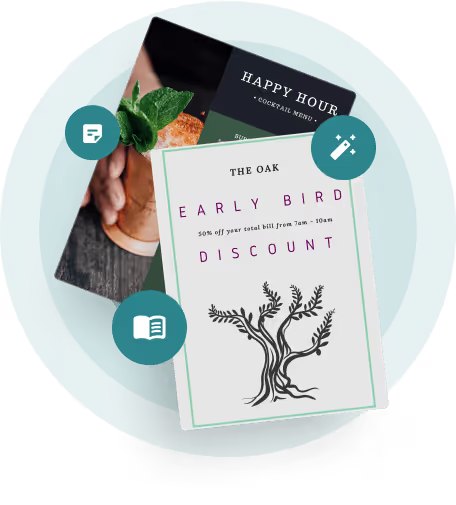

See What You Can Make with Our Online Menu Maker
When your menu is stuck in print or a static PDF, every update costs time and guests still see outdated items. Click the flipbook below to preview the experience, then create a digital menu you can update anytime without reprinting.

Update Instantly
Change prices or sold-out items in seconds with our online food menu creator. Your QR stays the same so every menu card remains valid.
Happy Mobile Guests
Guests view your digital menu on any phone with responsive experience. No zooming required. Just smooth navigation to any section they want.
Always On-Brand
Use your custom domain, add your logo, and branding. Every location serves a consistent, professional menu that matches your identity.
"Since using Paperturn, we’ve been able to update our catalogs instantly. When we launched 250 new product lines, our customers had access to everything right away, without a single reprint. It’s completely changed how fast we can move."
Angie Moors-Menkins
Marketing Communications Manager

Praised by Top Companies


Based on 457 reviews
Why Choose Paperturn as Your Online Food Menu Maker
Make food menu online free, update, and share QR menus across every table and channel. Keep your branding consistent and automate daypart schedules.
Update Your Menu Items and Prices Without Changing the QR Code
When your supplier raises prices or a dish sells out, you need to act fast. Our menu maker online lets you overwrite your menu while keeping the exact same QR code and link. Print table tents once and update digitally forever. Your guests always see accurate information without reprinting anything.
 Shawna Marie Thomas
Virtual Channel Manager, Radley
“Paperturn is business-critical. Having a digital catalog is key to running our virtual store.”

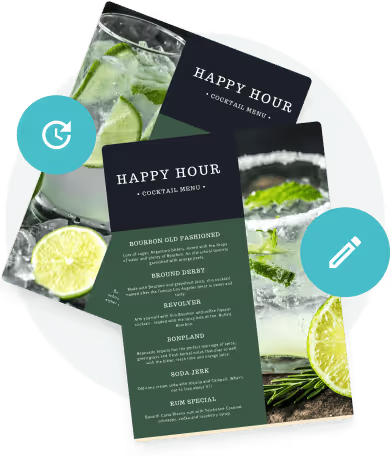
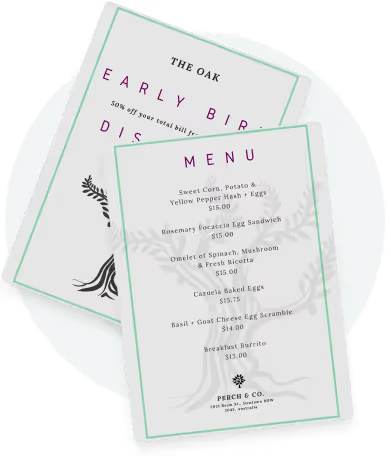
Highlight Specials Without Redesigning Your Online Menu
Promoting today's special or a limited-time offer should not require a full menu redesign. Our digital menu creator lets you add announcements, page banners, images, and popups directly in your digital menu. Draw attention to high-margin dishes or seasonal items the moment guests open the menu. Track which promotions get clicks so you can refine what works.
 Juliana Bokisch
Marketing and Communications Manager, CPhA
“Paperturn allows us to go fully digital without losing the immersive experience of flipping through a real magazine.”

Ready to Make a Menu Online You Can Update Without Reprinting?
Start your free trial today with our menu maker free online and build your first digital menu in less than 1 minute. Update anytime without changing your QR code. No credit card required to get started.
Start Free Trial

Keep Branding Consistent in All Your Locations with an Online Menu Maker
Multi-location restaurants need every menu to look and feel the same. Our online digital menu creator includes brand kit, custom domain, and removes Paperturn branding so guests get a consistent experience at every location. Assign roles and permissions so staff can update menus without compromising brand standards.
 Katie Thomas
Senior Marketing Communications Manager, Iceland Foods
“If you're looking for an easy way to digitize your retail magazine or catalog, I'd highly recommend Paperturn.”

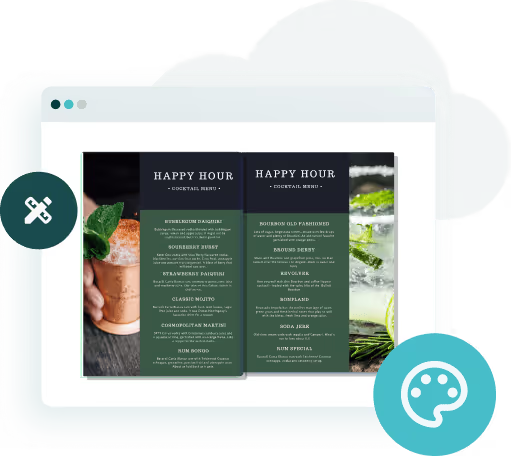
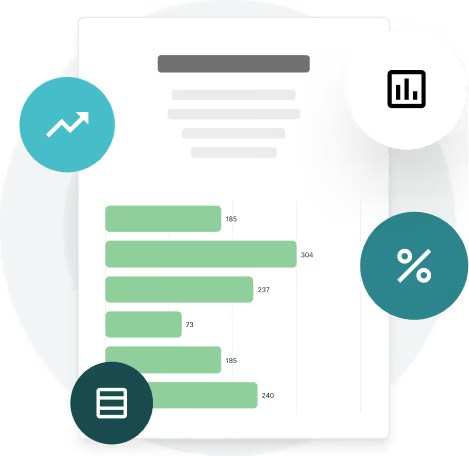
Track Digital Menu Engagement with Built-In Analytics
Understand how guests interact with your menu. See total views, link clicks, which devices they use, and where they scan from. Connect GA4 or GTM for deeper funnel tracking and export data via CSV to share with stakeholders. Use these insights to optimize menu layout, promote high-margin items, and justify your investment in digital menus.
 Dan Cuomo
VP of Marketing, Air Partner
“Paperturn’s platform is incredibly intuitive and easy to use, making the publishing process seamless from start to finish.”

Everything You Need to Create, Engage, and Analyze Your Digital Menu
Paperturn gives you powerful features as a menu maker online free to publish menus that look great on any device and stay current with minimal effort.

QR Code and Direct Link for Your Digital Menu
Generate a QR code and direct menu link in one click with our online menu creator. Place your QR code anywhere you need, and let guests access your menu instantly without downloading an app.
Update Your Online Menu Without Breaking Link
Update prices, sold-out items, or swap entire menus while keeping the same QR and URL. Publication overwrite give you flexibility to make changes instantly with our menu creator online.
Mobile-Friendly Responsive Viewer
Your menu looks great on phones, tablets, and desktops. The responsive viewer adjusts to any screen size so guests never zoom. Fullscreen mode make detailed menus easy to navigate.
Schedule Special Offers to Switch Automatically
Schedule activation and deactivation so the right special offer appears at the right time without staff lifting a finger. Reduce errors and ensure guests order from current offerings.
Table of Contents and Section Navigation
Help guests jump straight to the section they want. Add a table of contents or link directly to pages like Cocktails or Kids Menu. Thumbnails help diners find items faster.

Highlight Specials in Your Digital Menu
Put your daily specials front-and-center without redesigning your menu. Use in-flipbook image popups to grab attention the moment guests open your digital menu.How to Make a QR Code for a Digital Menu with Paperturn
Learn how to make a menu online for free during your trial. Create a QR code for your digital menu in less than 1 minute. Follow these steps to upload, customize, and share your menu with guests.
Start Free Trial Book Demo
1. Upload Your Menu PDF
Start by uploading your menu as a PDF to our online menu maker. Paperturn accepts files up to 512MB with unlimited pages.
2. Customize Your Menu Settings
Add your branding, set a custom domain, and choose viewer options. Enable table of contents for easy navigation inside of digital menu.
3. Generate Your QR Code
Paperturn creates a QR code and direct link for your digital menu automatically. Download the QR code to print on table tents.
4. Share Your Menu Link
Embed your menu on your website or share the link on social media. Guests access your menu from any channel with one link.
5. Update Without Changing the QR
When prices or items change, upload a new PDF using the overwrite feature. Your QR code and link stay the same. No reprinting required.
6. Track Menu Engagement
Use built-in analytics to see how guests interact with your menu. Track views, clicks, and devices. Connect GA4 for deeper insights.
Frequently Asked Questions About Our Online Restaurant Menu Maker
Get answers to common questions about creating and managing QR menus with Paperturn. Start your free trial today with no credit card required.

What is an online menu maker?
An online food menu maker lets you turn your PDF into a digital menu format guests access via QR code or link. Paperturn adds instant updates, so you can manage your menu without reprinting.

How fast can I make a menu online?
You can make a menu for free online in less than 1 minute. Generates a QR code and direct link instantly. Share it on tables, your website, or social media right away. No design skills or technical setup required.
Can I update menu and keep same QR?
Yes. Paperturn's overwrite feature lets you update your menu while keeping the same QR code and link. Your printed table tents stay valid. Guests always see your latest menu without you printing new QR codes.
Does Paperturn offer online ordering?
No. Paperturn is a publishing platform for digital menus, not a POS or ordering system. You design externally and publish here to share, update, and track your menu across channels.

Can I schedule special offers?
Yes. Schedule special offers to activate and deactivate by time and date. Your deal can run automatically for a set period and deactivate on its own when the time ends. No manual changes required during service.
Can I track how guests view my menu?
Yes. Track views, link clicks, devices, and geographic sources with built-in analytics. Connect GA4 or GTM for advanced tracking and export data via CSV to share reports with your team.Online Menu Maker You Can Try Risk‑Free with Full Support
Try Paperturn's menu maker free online for 14 days with dedicated support and no credit card required. Experience how easy it is to create and update your digital menu.

14-Day Free Trial
Test every feature with full access for 14 days. Create your menu, generate QR codes, and see results before you commit.
No Credit Card Required
Sign up without entering payment details. Your trial starts instantly and you only pay if you choose to continue.
Dedicated In-Trial Support
Our team helps you get started and answers questions throughout your trial. Reach out anytime for guidance.
Trusted by 4,000+ businesses worldwide.

Create Your QR Menu Today and Stop Reprinting Forever
Upload your menu PDF to our online digital menu creator and get a QR code that guests can scan from any table. Update prices or items anytime without reprinting. Schedule daypart menus, track engagement, and keep your brand consistent across every location. Start your free trial today.