6 Ways to Enhance Your Parts Catalog
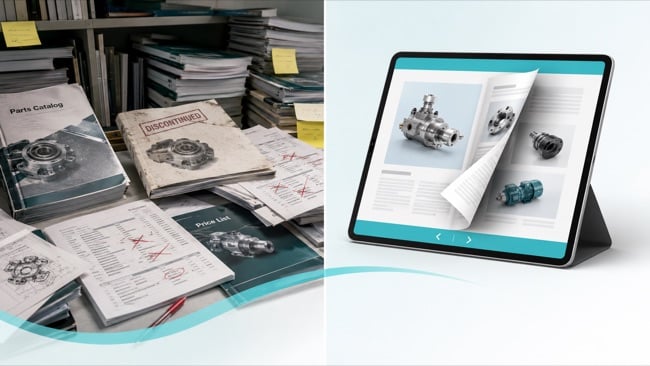
A parts catalog is the backbone of a product business, connecting engineering, sales, service, and customers around a shared view of every part. Yet many catalogs remain static PDFs or printed books, which are hard to search, slow to update, and difficult to share. This leads to ordering mistakes, extra support tickets, and frustrated users. Modernizing your online catalog with digital interactive formats reduces errors and speeds up ordering.
1. Make Your Parts Catalog Easy to Navigate
If users cannot find the right part quickly, the catalog is failing its core job. Improving navigation is often the most impactful change you can make.
Start with structure. Group parts by product line, assembly, or application instead of internal codes. Use clear, consistent naming, and avoid acronyms that only make sense inside your company. Include a logical table of contents and index that guides both new and experienced users.
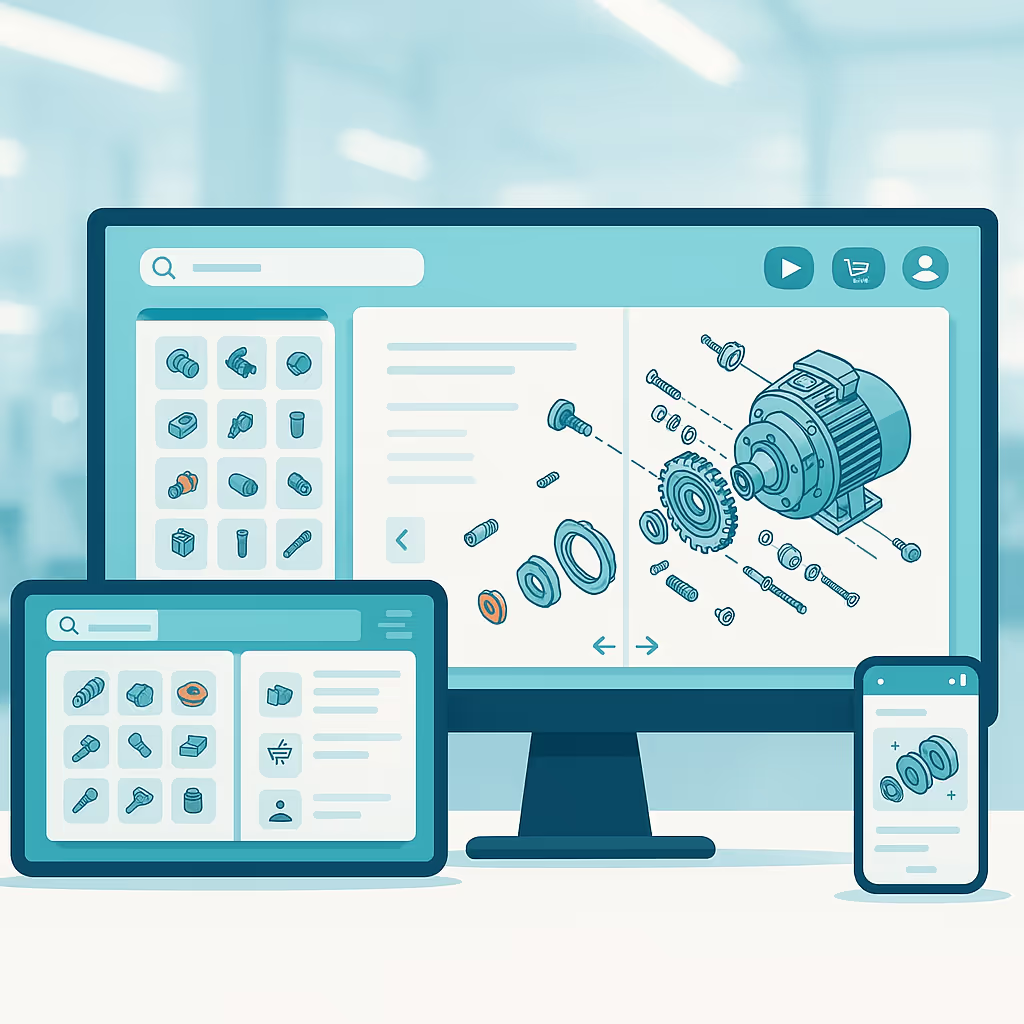
In a digital parts catalog, navigation can go much further. Add clickable tables of contents, section tabs, and internal links that jump directly to key assemblies or part families. Offer a search function that works across the full publication, including part numbers, descriptions, and relevant keywords.
An interactive flipbook format makes this easier to implement. You upload an existing PDF, then add digital navigation elements. Users still experience a familiar page-turning layout, but with far less scrolling and guesswork.
2. Upgrade Part Details and Visuals
Many ordering errors come from unclear or incomplete part information. When someone is in the field or on the shop floor, they need enough detail to be confident on the first try.
At a minimum, each listing should include a clear description, part number,
compatible models, and critical specifications such as dimensions, materials, or ratings.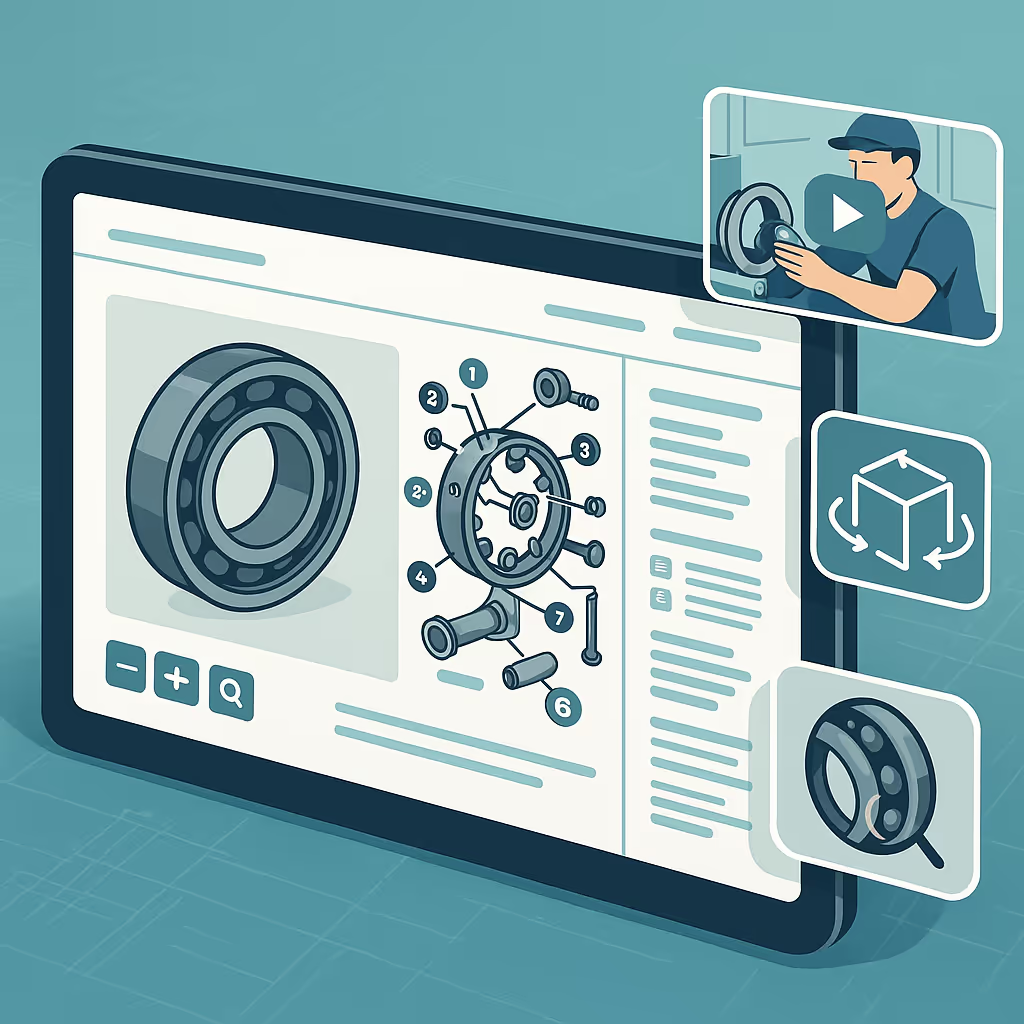
If certain parts drive frequent returns or support calls, look closely at how those entries are presented.
Visuals are just as important as text. High-quality photos, exploded diagrams, and labeled callouts make it easier to identify the correct component, especially when parts look similar. Consistent labeling and zoomable images help technicians compare old and new parts side by side.
A digital parts catalog can also embed rich media. Short video clips can show installation steps, maintenance procedures, or common pitfalls. Interactive diagrams or 3D views can help users explore complex assemblies and understand how parts relate to each other. These enhancements turn the catalog into a reference and training resource, not only a list of SKUs.
3. Turn Your Parts Catalog into a Self-Service Sales Channel
Most parts catalogs still act only as reference documents. Users look up a part, then switch to another system or contact a person to place an order or request a quote. These extra steps add friction and slow the process.
A modern parts catalog can double as a self-service sales channel. The goal is to help users move from "I found the right part" to "I submitted the request" in as few clicks as possible.
Practical ways to achieve this include:
Adding clear calls to action next to parts, such as "Request quote," "Check availability," or "Contact sales."
Embedding lead or order forms directly inside the digital catalog, so users can submit requests for specific parts without leaving the publication.
Linking high-value parts or assemblies to your e-commerce store or dealer portal, so authorized users can complete purchases right away.
In an interactive flipbook, these elements can be layered on top of your existing catalog design. Forms can capture part numbers automatically. Submissions can route to the correct sales or customer service contact. This reduces back-and-forth communication, increases order accuracy, and gives your team clearer visibility into buying intent.
4. Move from Static Files to a Digital Flipbook Format
Printed catalogs and static PDFs share a major weakness. As soon as pricing changes, a part is discontinued, or a new model launches, sections of the catalog become outdated.
Moving to a digital flipbook format helps solve this problem without starting from zero. Your team can continue to create the catalog in existing design tools. Instead of exporting and emailing a static file, you upload it into a digital publishing platform that turns it into an interactive, shareable flipbook.
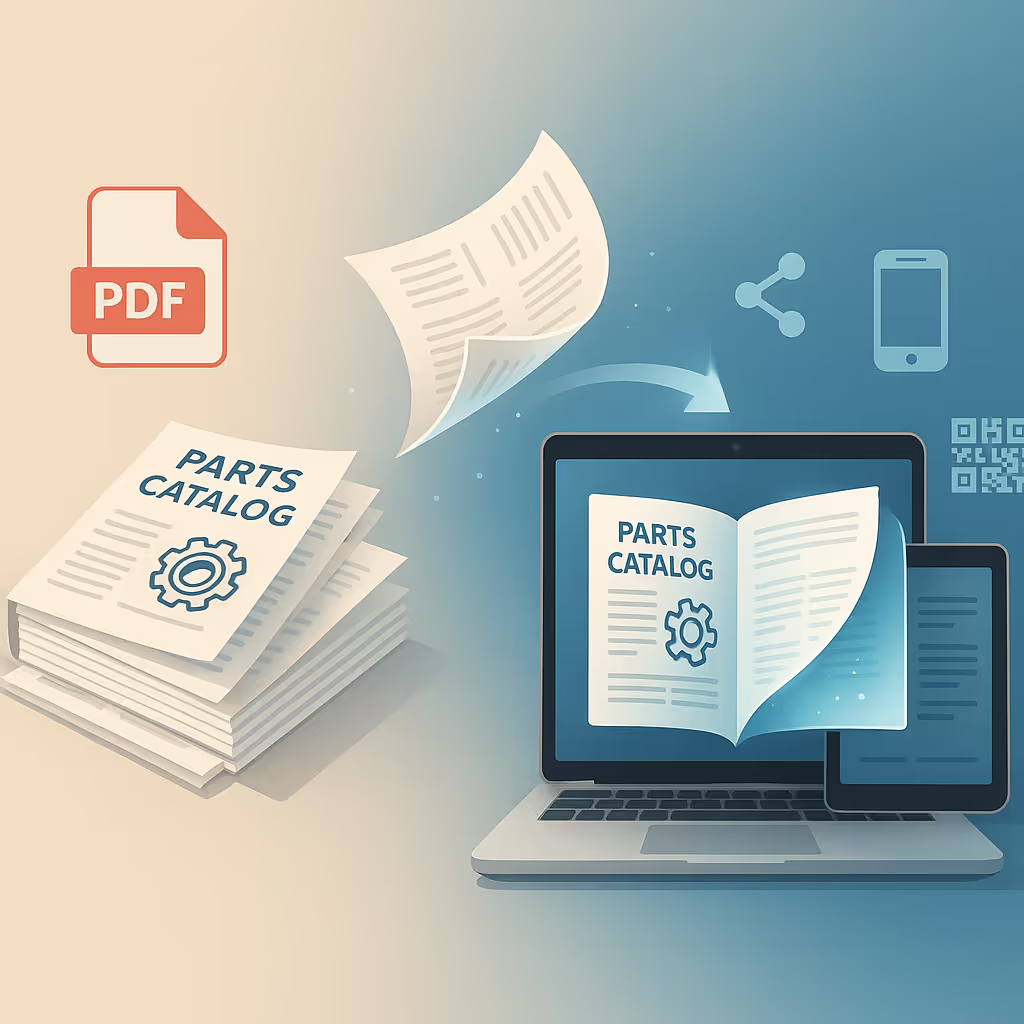
This shift brings several advantages:
Always up to date. Overwrite older versions or replace single pages when parts, specifications, or prices change. One public link always points to the latest version.
Easy distribution. Share your catalog via email, QR codes on packaging or equipment, social media, or direct links in support tickets. Embed it on your website or dealer portal.
Mobile-friendly access. Field technicians, dealers, and customers can open the catalog on phones or tablets without downloading large files or specialized apps.
The flipbook format preserves the familiar page-turning experience that many users prefer. At the same time, it adds the flexibility of a web-based channel. Marketing, product, or documentation teams can manage updates themselves, without waiting for IT support.
5. Use Analytics and Feedback to Continuously Improve
Traditional parts catalogs offer no insight into how they are used. Once printed or emailed, it is difficult to know which sections work well, where users struggle, or which parts receive the most attention.
A digital parts catalog changes that. With built-in analytics, you can track:
How many people view the catalog and how often.
Which pages or sections receive the most views and time spent.
Which links, buttons, or forms get the most clicks.
Where users tend to drop off or leave.
This data supports practical improvements. If many users visit a specific assembly but spend very little time there, the information may be confusing or incomplete. If a commonly replaced part sees little traffic, it may be buried too deep in the structure. If certain calls to action perform better than others, their placement or wording can be repeated across the catalog.
Quantitative data is only part of the picture. Ask sales teams, distributors, and service technicians where customers struggle. Collect feedback on which parts are hardest to explain or most frequently misordered. Combine that input with analytics to guide future layout, content, and navigation changes.
Over time, your parts catalog becomes a measurable, evolving asset that supports both customer experience and internal decision making.
6. Ensure Compliance and Accessibility
As more organizations move parts catalogs online, compliance should move with them. This is especially important when catalogs include pricing, customer data, or partner-only content.
A digital parts catalog should support:
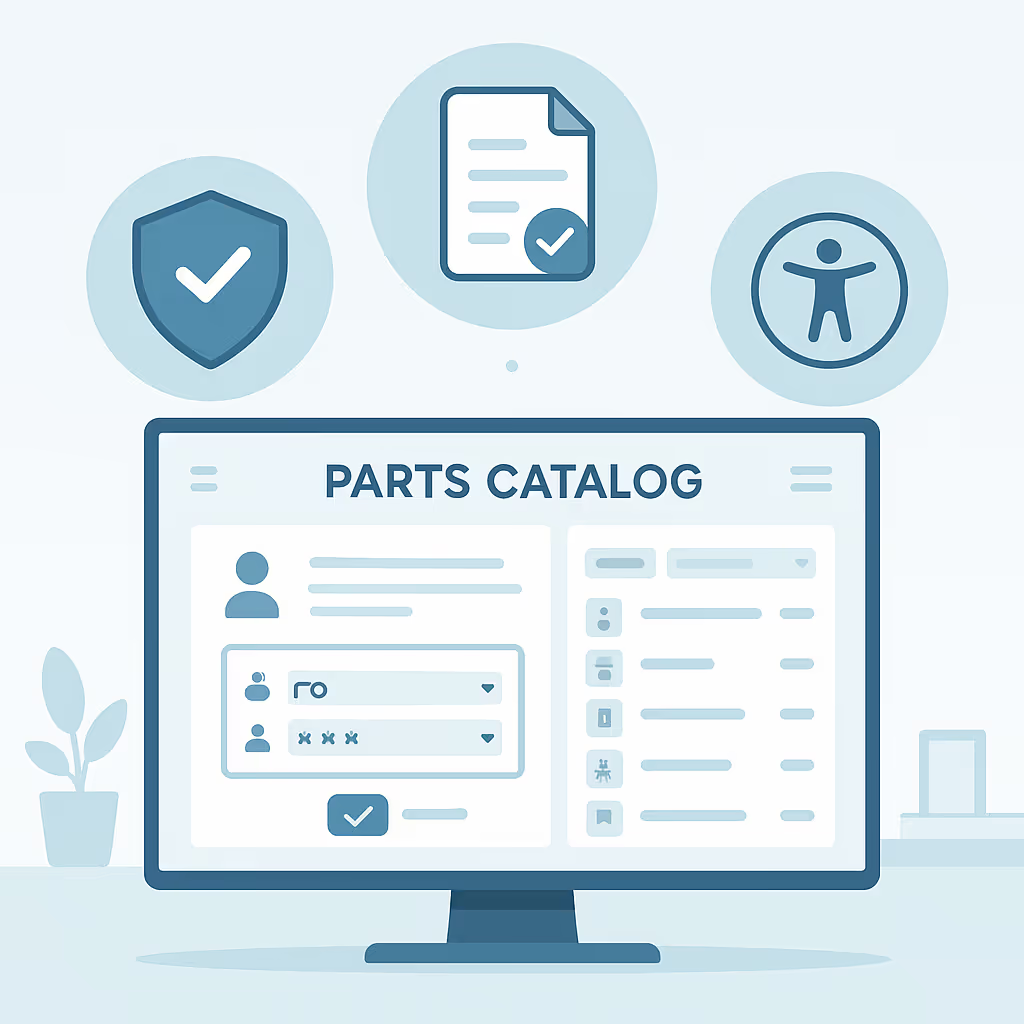
Access control. Limit sensitive content to specific audiences, such as dealers, internal teams, or defined regions. Use private or password-protected flipbooks when needed.
Privacy compliance. If you collect data through embedded forms, make sure the platform supports relevant regulations, such as GDPR, and handles personal information securely.
Accessibility. Many users rely on screen readers, keyboard navigation, or larger text. Choose a format that supports accessibility standards, so more people can use your catalog without barriers.
Selecting a digital publishing platform that addresses these needs from the start reduces risk and last-minute remediation work. It also aligns your catalog with broader digital communication and inclusion goals.
Bringing It All Together
Improving a parts catalog is an ongoing process. The objective is simple. Make it easier for users to find the right part, understand how it fits, and complete the next step, whether ordering, installing, or servicing.
To recap, 6 practical ways to enhance your parts catalog are:
1. Simplify navigation so users can find parts quickly and confidently.
2. Upgrade data and visuals to support accurate identification and self-service.
3. Add calls to action and forms so the catalog supports lead capture and ordering.
4. Move from static files to a digital flipbook format that is easy to update and share.
5. Use analytics and feedback to refine structure and content over time.
6. Ensure compliance and accessibility so your catalog is secure, inclusive, and aligned with regulations.
Organizations that adopt these practices create a better experience for dealers, technicians, and end customers. They also reduce ordering errors, lessen the load on sales and support, and gain clearer insight into product interest and demand.
A digital publishing platform such as Paperturn is designed for this type of transformation. It helps teams convert existing PDF parts catalogs into interactive flipbooks, add forms and links, control access, and track performance in real time.
Paperturn Blog