
5 Tips to Design an Aesthetic Digital Flipbook That Captivates Readers
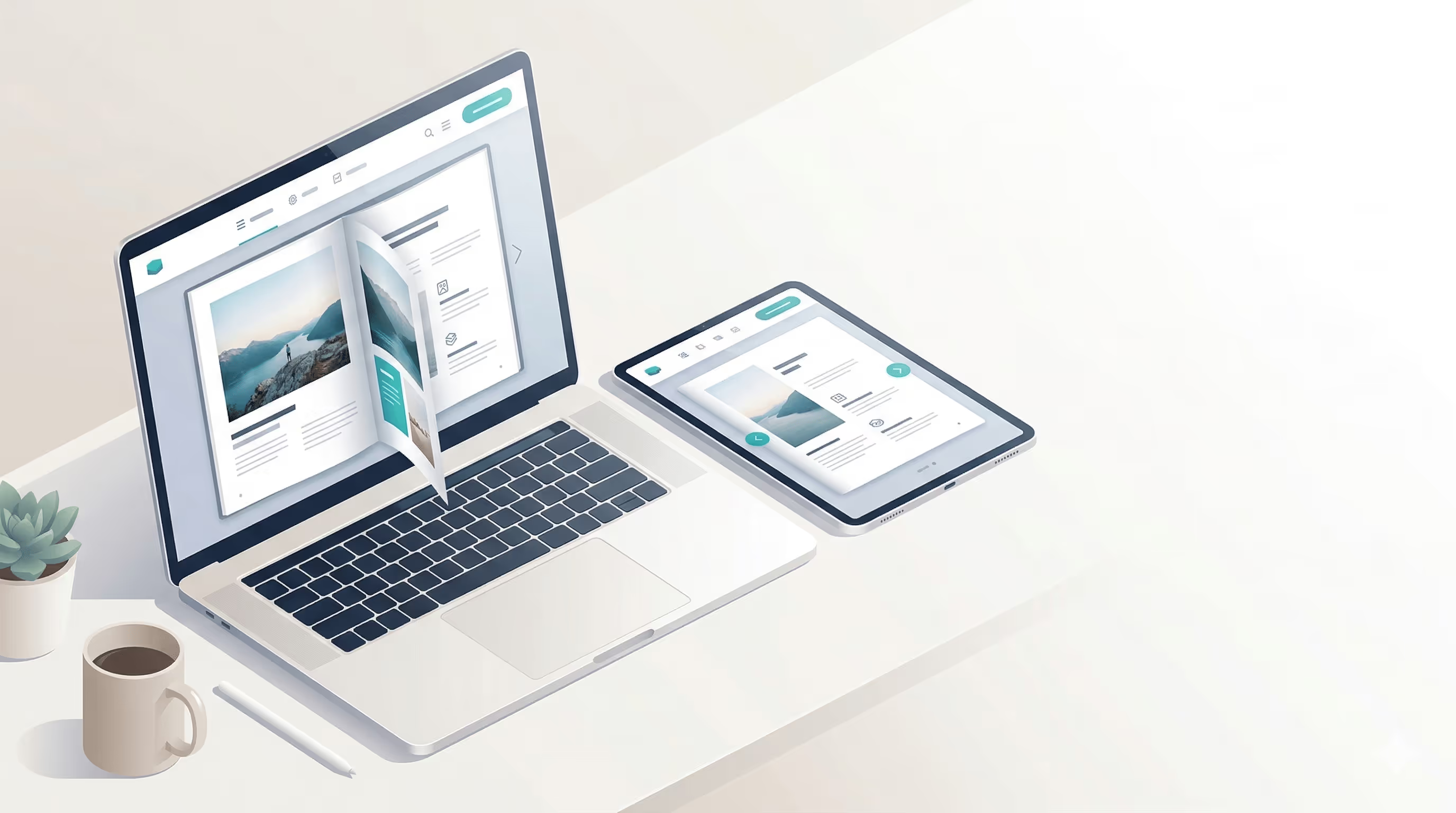
As attention spans shrink and digital noise increases, strong design is what keeps readers from clicking away. Whether you’re designing a product catalog, magazine, or refining your online brochure design, aesthetics play a strategic role in engagement and brand perception.
Thoughtful visual storytelling transforms static pages into an immersive journey that feels cohesive, professional, and purposeful, especially when supported by branding features. In this guide, we’ll share five design tips to help you create a digital flipbook that not only looks beautiful, but keeps readers turning pages.
1. Start With a Clear Visual Identity
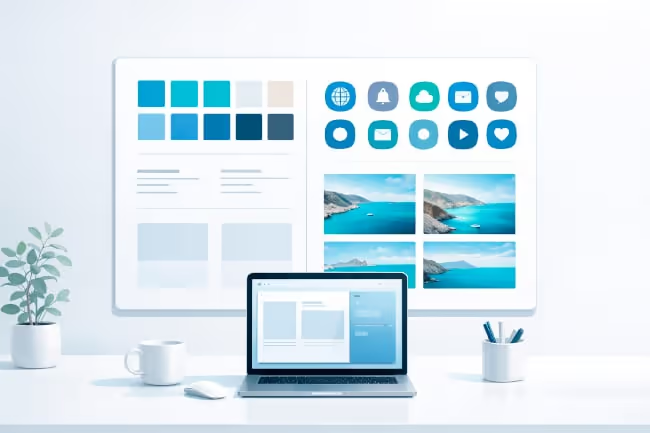
Aesthetic design isn’t just about making something “look nice.” It’s about creating a consistent visual identity that reflects your brand and resonates with your audience.
Before diving into layouts, define your:
Colour palette
Typography
Image style (photography, illustrations, icons)
Tone and mood
Consistency builds trust. When readers move from your website to your digital flipbook, the experience should feel seamless. Use your brand colours intentionally, one or two primary colours supported by neutrals often create a clean, modern look. Too many colours can feel overwhelming and distract from your message.
Typography also plays a powerful role. Pair a strong headline font with a clean, highly readable body font. Avoid using more than two or three typefaces in a single publication. White space is equally important, it gives your content room to breathe and keeps each page from feeling cluttered.
A cohesive design system ensures your flipbook feels polished and professional from cover to cover.
2. Design With Flow and Readability in Mind
A beautiful flipbook means nothing if it’s difficult to read. The key to captivating readers is guiding their eyes naturally through each page.
Think about visual hierarchy:
Headlines should stand out clearly.
Subheadings should organize content logically.
Body text should be easy to scan.
Key information should be highlighted strategically.
Break up long blocks of text with images, pull quotes, icons, or infographics. Readers are more likely to stay engaged when content feels digestible.
Alignment and spacing are essential. Keep margins consistent, align elements intentionally, and avoid cramming too much information onto a single page. When designing product catalogs or online brochure layouts, ensure each product or section has enough breathing space to shine.
Also consider pacing. A digital catalogue mimics the feel of turning pages, so structure your content like a story. Alternate between image-heavy spreads and information-focused pages to maintain rhythm and interest. When your design supports readability, readers are more likely to continue flipping instead of clicking away.
3. Use High-Quality Visuals That Tell a Story
Visuals are often what capture attention first. High-quality images and graphics instantly elevate the aesthetic of your flipbook. Avoid pixelated, low-resolution photos. Crisp, professional imagery reinforces credibility and strengthens your brand perception. If possible, use original photography that matches your brand identity. But aesthetics go beyond image quality, they’re about storytelling.
Ask yourself:
Do the visuals support the message?
Do they evoke the right emotions?
Do they guide readers toward key information?
For example, in a product catalog, lifestyle images can help readers imagine the product in real-life settings. In a magazine-style flipbook, editorial photography can create mood and atmosphere.
Don’t underestimate the power of subtle design elements such as:
Soft background textures
Minimalistic icons
Elegant dividers
Consistent image filters
These details may seem small, but together they create a cohesive and immersive reading experience.
4. Add Interactive Elements With Purpose
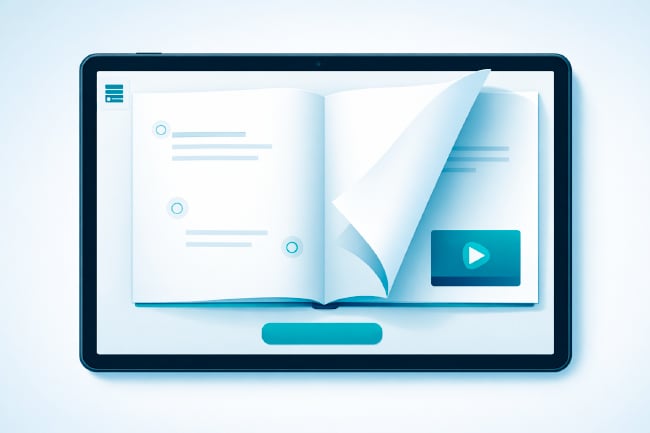
One of the biggest advantages of a digital flipbook is interactivity. Used thoughtfully, interactive elements enhance both aesthetics and engagement. Clickable buttons, embedded videos, hyperlinks, and subtle animations can transform static pages into dynamic experiences. However, the key word here is thoughtfully.
Avoid overwhelming readers with too many clickable features. Instead, integrate interactivity strategically:
Add clear call-to-action buttons on product pages.
Embed short videos to demonstrate complex products.
Use hyperlinks to direct readers to deeper resources.
Include interactive tables of contents for easy navigation.
Design your interactive elements so they blend seamlessly with the layout. Buttons should match your colour palette and feel like a natural extension of the design, not an afterthought. When done well, interactivity enhances usability and keeps readers engaged longer, increasing the likelihood that they’ll explore more of your content.
5. Create a Memorable Cover and Strong Closing
First impressions matter and your cover is your first opportunity to captivate.
Your cover should be:
Visually striking
Simple and uncluttered
Aligned with your brand
Clear about what readers will gain
A strong headline, compelling image, and balanced layout can instantly spark curiosity. Remember, your flipbook cover is often shared independently via links or social media, so it should stand confidently on its own. Equally important is your final page. A thoughtful closing reinforces your message and guides readers toward the next step. Whether that’s visiting your website, contacting your team, or exploring another publication, include a clear and visually appealing call to action.
Consider adding:
Contact information
Social media links
A QR code
A “Shop Now” or “Learn More” button
A well-designed ending ensures your flipbook doesn’t just look good, it drives meaningful engagement.
Bringing It All Together
Designing an aesthetic digital flipbook is about more than visual appeal. It’s about crafting an experience that feels intentional, cohesive, and easy to navigate.
When you combine:
A consistent visual identity
Clear hierarchy and readability
Strong visual storytelling
Purposeful interactivity
Impactful opening and closing pages
You create a publication that feels immersive and professional from start to finish. Whether you’re building a product catalog, launching a digital magazine, or refining your online brochure design, thoughtful design decisions will set your content apart. In a crowded digital landscape, beauty paired with usability is what keeps readers engaged.
With the right balance of creativity and strategy, your digital flipbook can become more than just a document. It can become a memorable brand experience that truly captivates your audience.
Want to turn your PDF into a beautiful, interactive flipbook? Start a free trial and test it with your next publication.