
Why Outdated Product Catalogs Cost Manufacturers Deals
Outdated product catalogs cost you orders because buyers act on wrong prices, discontinued products, and part numbers that no longer exist. The fix is simpler than most manufacturers expect: one shared catalog link that updates for everyone at the same time, so no rep is ever working from an old copy.
This post explains where catalog errors come from, what they cost you in corrections and delayed orders, and how to make sure every person who opens your catalog sees the current prices, part numbers, and product availability.
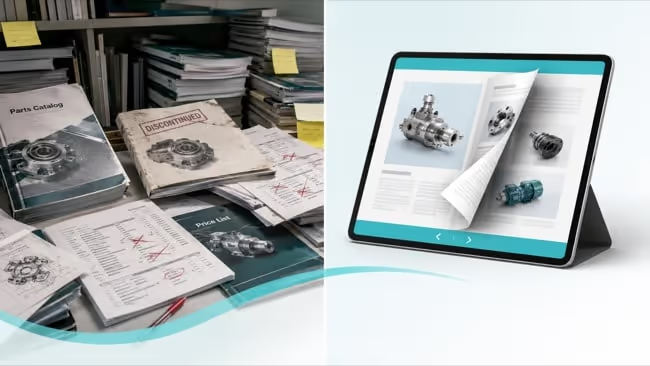
Where product catalog errors come from
A manufacturing product catalog changes more often than almost any other sales document. The errors are rarely caused by carelessness. They come from the way the catalog is shared.
Specs change on the line. Engineering updates a tolerance, a material, or a certification, but the catalog still shows the old figure.
Pricing moves by region or distributor. One partner receives new pricing. Another is still quoting last quarter's.
Parts get discontinued or superseded. A SKU is retired but stays listed, or a replacement part number exists and nobody updated the page.
Everyone keeps their own copy. Reps download the PDF and email it from their own drives. There is no single file that updates for all of them at once.
The common thread is that the catalog is treated as a file you send, not a page you maintain. Once it leaves your hands, you lose control of which version a buyer is reading. This is the version sprawl that builds across every dealer and sales channel.
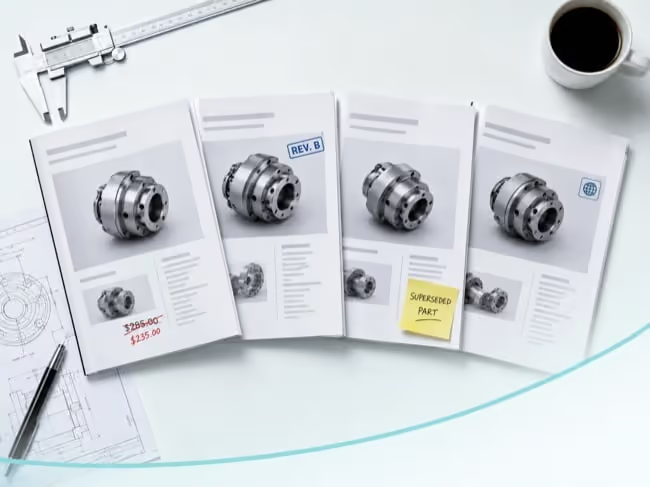
What outdated catalogs cost you
The cost is hard to track because it is spread across reorders, quotes, and conversations that nobody connects back to the catalog. It still adds up.
Reorder and quoting errors. A buyer orders a discontinued part or quotes an old price, and your team has to correct it after the order is placed.
Slower deals. Every correction adds another round of email. A quote that should close this week slips to next.
Dealer and rep confusion. Two reps quote two prices to the same account. The buyer is the one who spots the mismatch.
Lost trust. A wrong spec in front of an engineer makes the entire catalog suspect, even the parts that were correct.
Because no single person owns the live version, these costs rarely show up in one place. They show up as friction across the sales cycle.
What a reliable catalog looks like
A catalog you can trust has 4 traits. None of them require a bigger design budget. They require a different way of sharing, and this is exactly what online flipbooks are built for.
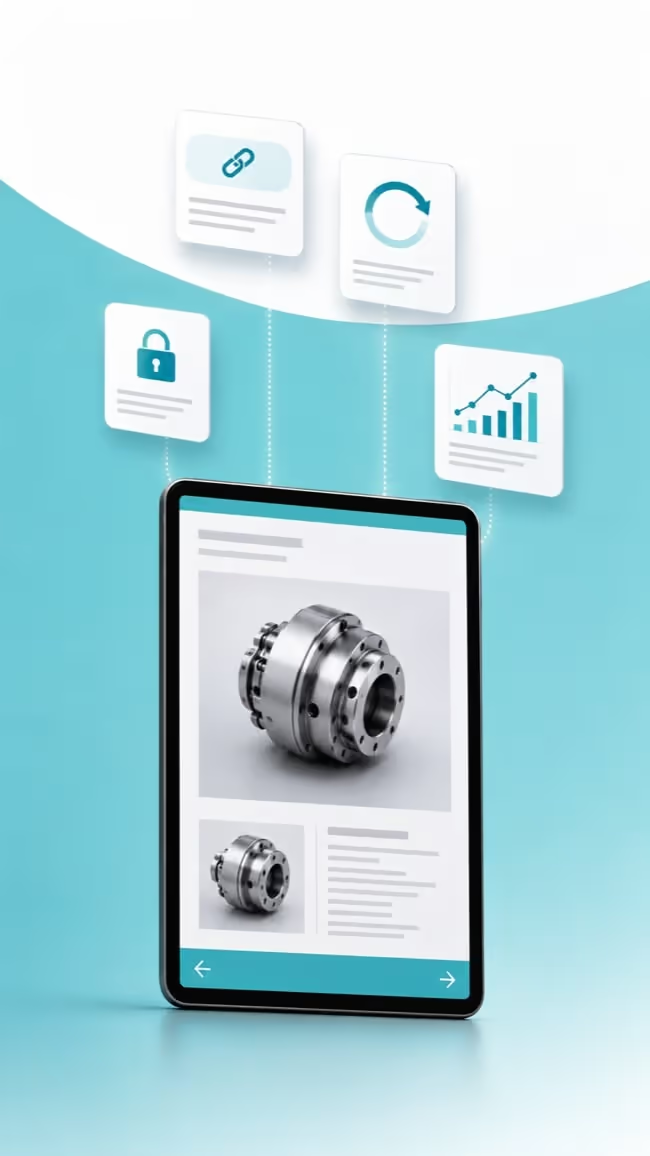
One link, not many files. Everyone shares the same URL instead of their own attachment.
Current everywhere at once. A price or spec change appears for every reader the moment you publish it.
Controlled access. Wholesale pricing stays behind a password or limited to known partners.
Visible engagement. You can see which products buyers open and click, not just that the catalog was sent.
How manufacturers keep one catalog current
Moving from sent files to a maintained page is a practical change, not a system overhaul.
Replace files with a single live link. Move from emailed PDFs to one hosted catalog URL that you control.
Update content without changing the link. When a price or spec changes, replace the page or the whole document behind the same URL. Reps keep using the link they already have.
Connect parts to where buyers act. Link SKUs to product pages, quote requests, or a cart so the catalog moves buyers forward instead of stopping at a page.
Restrict who sees pricing. Gate sensitive editions so wholesale pricing does not circulate freely.
Track what buyers engage with. Use view and click data to see which products draw interest, then follow up by account.
How Paperturn keeps your product catalog current
This is a familiar problem for manufacturers, and it is what Paperturn was built to solve. You upload your existing PDF and it becomes an online flipbook at a single link, one that opens in any browser without a download.
When a price or spec changes, you update what sits behind that link. Everyone who already has it sees the current version, and the view data you have gathered stays intact. No resending, no hunting down old copies. That is really all catalog management needs to do: keep the link the same while the content keeps up with your products.
The catalog can also do more than list parts. Connect a part number to a product page or a quote form so buyers act without leaving the page. Keep wholesale pricing behind access controls so it stays with the right partners. See which products buyers actually open and click, so your team follows up where there is real interest instead of guessing.

Stop sending files, start maintaining one link
Outdated catalogs do not cost you in one obvious line item. They cost you in corrected orders, slower quotes, and the slow erosion of trust when a buyer finds a wrong price or a dead part number.
The fix is to stop sending files and start maintaining one link. Update it once, and every rep, dealer, and buyer sees the current version. Control who sees pricing, and watch which products draw interest.
You can turn your current PDF catalog into one current online flipbook in a few minutes. Try Paperturn free for 14 days.