
The Annual Report Upgrade: From PDF to Flipbook
The shift from PDF to flipbook is a small change to how you publish your annual report, and a big change to what the report can do. The same document, instead of a file people download once and forget, becomes a page-turning version that opens in any browser, reads well on any screen, and shows you how people moved through it.
An annual report flipbook is the report you already designed, published as an interactive web version. Here is what you gain by making the switch, and how to do it.

Why the PDF annual report falls short
Your team spends weeks on the annual report. The design is finished, the numbers are signed off, and it goes live as a PDF on the website or as an email attachment. Then the questions start.
Did anyone read it? Which sections held attention? A PDF cannot tell you. It records nothing.

The problems pile up from there:
A 40-page PDF is a heavy download, and on a phone it often opens as a pinch-and-zoom file most readers give up on.
A last-minute board correction means a new file, a new link, and a scramble to update every place the old one was shared.
The report sits as one flat document, with no room for the CEO video, the impact chart, or a link to the full data set.
For a document this important, that is a lot of effort with no view of the return.
The benefits of an annual report flipbook
An annual report flipbook keeps your exact design and adds what a PDF cannot. The same gains apply to a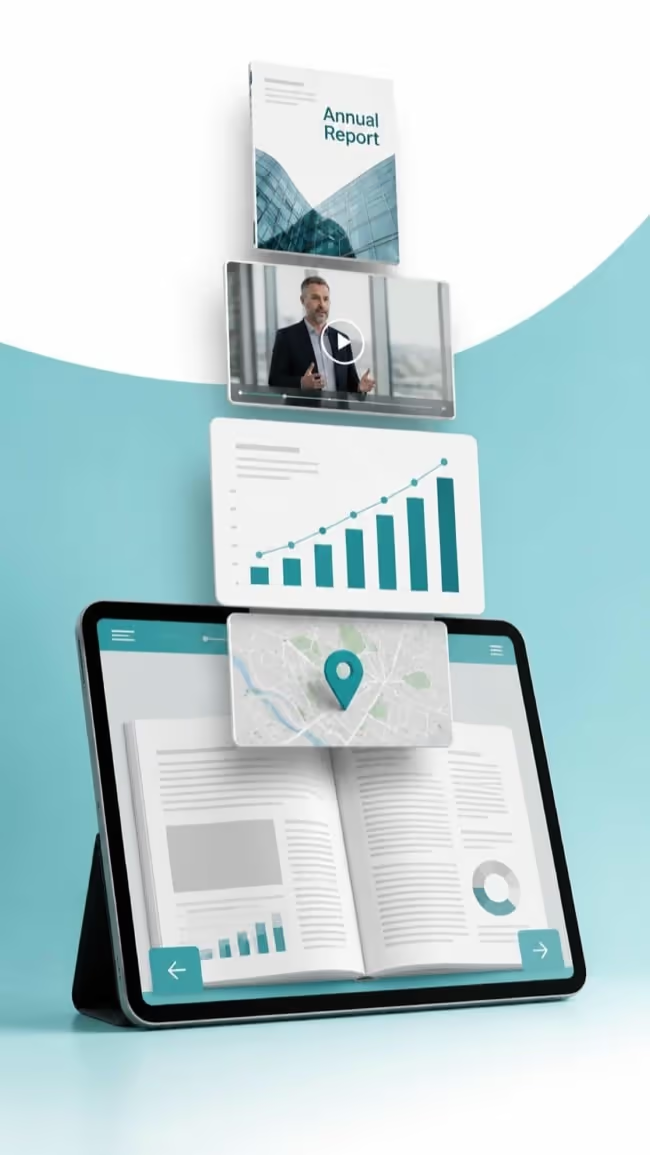 corporate report, an ESG report, or a nonprofit impact report.
Opens instantly, anywhere. One link, any device. No download, no app.
You see what gets read. Page views, time, clicks, and reader location.
Accessible by default. A built-in widget brings WCAG-aligned reading.
A richer story. Embed a video, charts, and full-screen photos.
One link goes everywhere. Share it by direct link, QR code, website embed, or email.
Fixable after publishing. Update a page and the link never changes.
Built for launch day. Cloud hosting handles the spike, up to 100,000 views per publication.
Ad-free and on brand. No third-party ads, and you can publish on your own domain.
How to turn your annual report into a flipbook
You do not need a designer or a developer. If you have the finished PDF, you have everything you need to turn your annual report into a flipbook.
Upload your PDF. It becomes a page-turning flipbook in minutes, with your layout intact.
Add the interactive parts. Drop in video, links, charts, and pop-ups where they help the reader.
Set who can see it. Keep it public, or password-protect a pre-release version and schedule it to go live at the exact release time.
Share one link. Publish it on your investor relations or about page, add a QR code to print, and embed it in email.
That is the whole process. The report you spent weeks on is now live, interactive, and measurable.
How Paperturn helps you publish an annual report flipbook
Paperturn turns your PDF into an annual report flipbook without changing how your report looks. More than 4,000 organizations use it to publish reports, catalogs, and magazines.
For an annual report, a few things matter most:
Update without breaking the link. Found a typo on launch day? Replace the page and the URL stays the same.
Proof for the board. Page-level analytics and GA4 integration show exactly what stakeholders read.
Accessibility and compliance. The accessibility widget supports WCAG-aligned reading, and Paperturn is GDPR certified for the EU and UK.
Help when it counts. Live chat, email, and phone support run 7 days a week, and Paperturn is rated 4.9/5 on Capterra.

Publish your annual report as a flipbook today
Your annual report is one of the most important documents you publish all year. As a PDF, it is a file people download and you rarely hear about again. As a flipbook, it is a living report readers open on any device, navigate easily, and that finally tells you what they read.
The report stays yours. The design stays yours. What changes is the link that never breaks, the data you can bring back to the board, and a reading experience that works on a phone. Upload your PDF and turn your annual report into an interactive flipbook in minutes. Try Paperturn free for 14 days.